Restaurant Billing System
Restaurant Billing System
Project Overview
The Restaurant Billing System is a desktop application developed using Java and Java Swing. This system is designed to simplify and automate the billing process in restaurants, ensuring accurate order management and quick bill generation. It caters to both small and large dining establishments by providing a user-friendly interface for managing orders, processing payments, and generating receipts.
Key Features
Order Management
- Dynamic Order Entry: Easily add, modify, and remove menu items from an order.
- Table Management: Assign orders to tables and manage seating arrangements.
- Real-Time Updates: Automatically update the bill as orders are modified.
Billing and Payment Processing
- Automated Bill Calculation: Accurate computation of totals, taxes, and discounts.
- Payment Options: Supports multiple payment methods including cash, card, and digital wallets.
- Receipt Generation: Instant generation of printable receipts.
User-Friendly Interface
- Intuitive Layout: Clean, easy-to-navigate design using Java Swing components.
- Responsive Design: Ensures quick response times and smooth user interactions.
- Error Handling: Built-in error detection to prevent common billing mistakes.
Technical Implementation
Backend
- Core Logic: Implemented in Java with a focus on modular design and reusability.
- Data Management: Uses in-memory data structures to manage orders and billing details efficiently.
- Business Rules: Encapsulates billing rules and tax calculations to ensure consistency.
Frontend
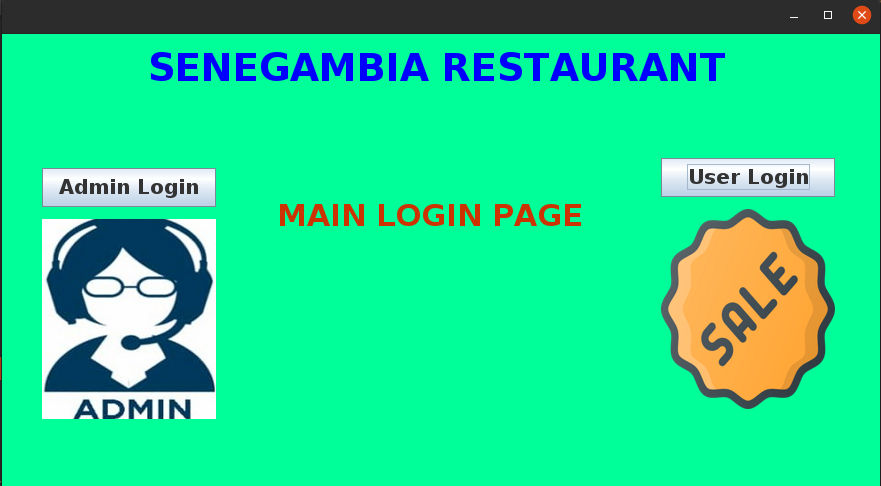
- GUI Development: Built with Java Swing, featuring components like tables, buttons, and dialogs.
- Event-Driven Programming: Implements action listeners to handle user interactions dynamically.
- Design Patterns: Utilizes MVC (Model-View-Controller) for clear separation between the business logic and user interface.
Development Process
- Planning: Defined the scope and requirements for managing orders and billing.
- Design: Created wireframes for the user interface and outlined system architecture.
- Implementation: Developed the core functionality in Java and built the UI using Java Swing.
- Testing: Performed unit testing on billing calculations and integration testing for overall system performance.
- Deployment: Packaged the application into an executable format for easy installation on restaurant systems.
Challenges and Solutions
-
Real-Time Data Updates:
Ensured that the billing information updates immediately as orders are modified by implementing efficient event handling in Java Swing. -
Error Handling:
Developed robust exception management and input validation routines to prevent billing errors and system crashes. -
User Experience:
Focused on creating an intuitive interface that minimizes the learning curve for staff, even with minimal technical expertise.
Results
- Improved Efficiency: Streamlined order and billing processes reduce customer wait times.
- Accurate Billing: Automated calculations minimize human error in billing.
- Enhanced User Experience: An intuitive interface makes it easy for staff to manage orders and process payments.
Future Enhancements
- Database Integration: Incorporate a database system (e.g., MySQL or SQLite) for persistent data storage and order history.
- Reporting Module: Add detailed sales and performance reports for restaurant management.
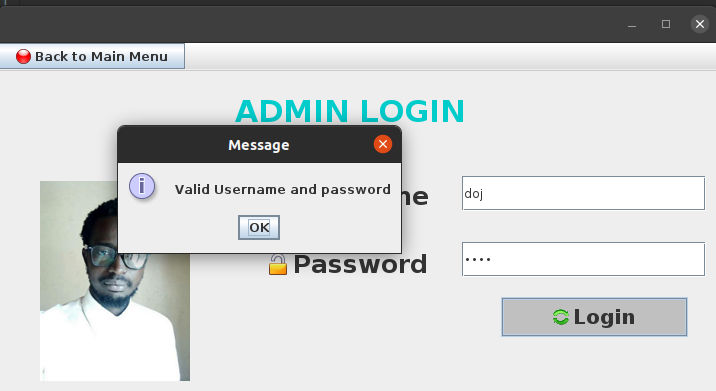
- User Management: Implement a login system and role-based access control for better security.
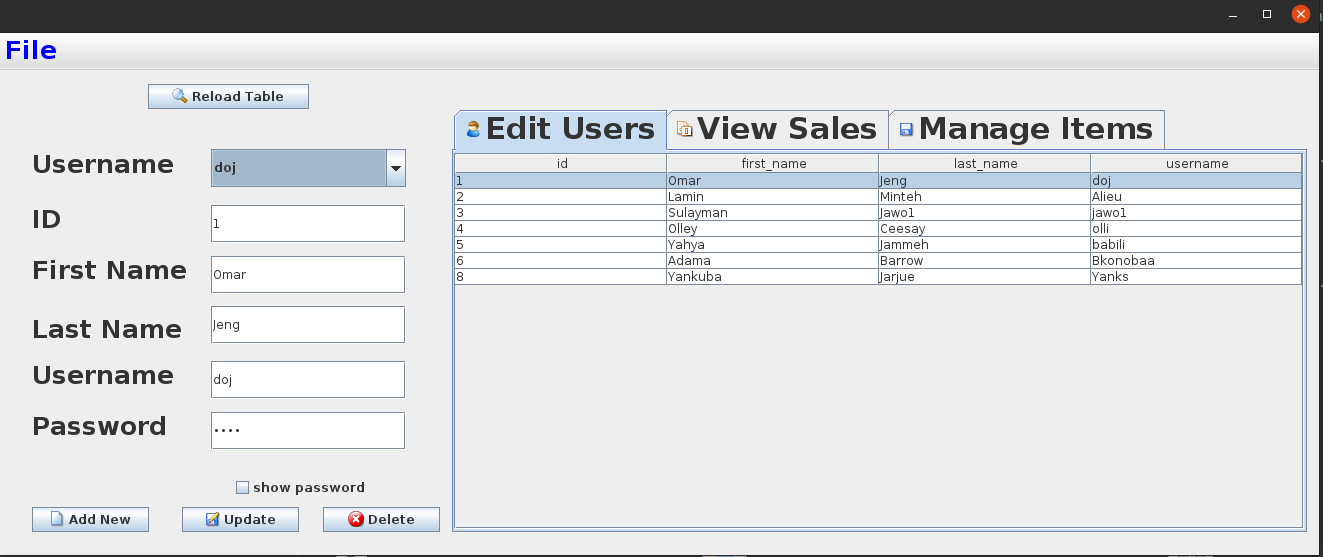
- Customization Options: Enable customization of menu items and pricing through an admin panel.